
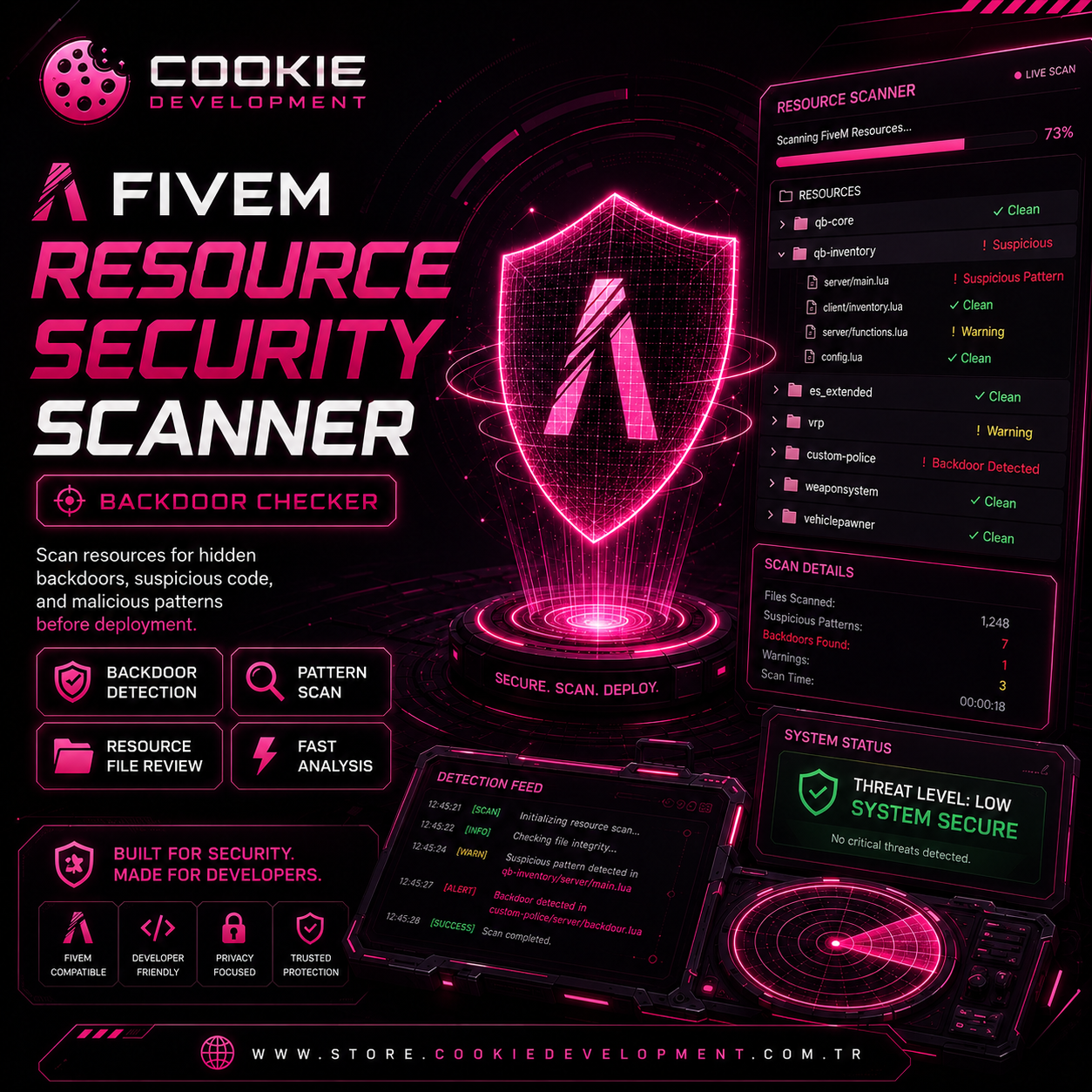
Cookie Development – FiveM Resource Security Scanner is a standalone desktop tool designed to help FiveM server owners inspect unknown resources before installation.
Select a FiveM resource folder or ZIP package, run the scan, and receive a clear HTML report that highlights suspicious behavior patterns in an understandable way.
Key Features
• Scan FiveM resource folders and ZIP packages
• Bilingual Interface & Reports — Available in Turkish and English.
• Offline static analysis — selected resources stay on your computer
• Beginner-friendly finding explanations
• HTML scan reports
• Quick access buttons for reports, cleaned resources, and backups
• Safe cleanup workflow for selected high-confidence removable detections
• Original resources remain protected through automatic backup creation
• Cleaned copies are saved separately and can be opened directly from the application
• No coding knowledge required
Safe Cleanup Workflow
When the application identifies a high-confidence, removable malicious pattern, it may offer a Safe Cleanup option.
The original resource is not overwritten.
After cleanup, the application creates:
• A cleaned resource copy
• An original backup copy
• An updated scan report
Cleaned files and reports can be opened directly from the application interface.
Output Locations
Reports, cleaned resources, and backups are stored locally under:
Documents\Cookie Development\Backdoor Scanner
Requirements
• Windows 10 or Windows 11
• 64-bit system
Important Notice
This application performs offline static analysis and identifies suspicious code patterns and behavior chains.
A scan result with no findings does not guarantee that a resource is completely safe. Some threats may require manual review or may not be safely removable automatically.
Cookie Development Backdoor Scanner is not a cheat, exploit, or server attack tool. It is designed only for defensive FiveM resource security checks.
Delivery
Digital product delivered as a ZIP package containing:
• CookieBackdoorScanner.exe
• README.md
Support is available through Cookie Development Discord. Please include your Tebex order ID and a screenshot when requesting support.